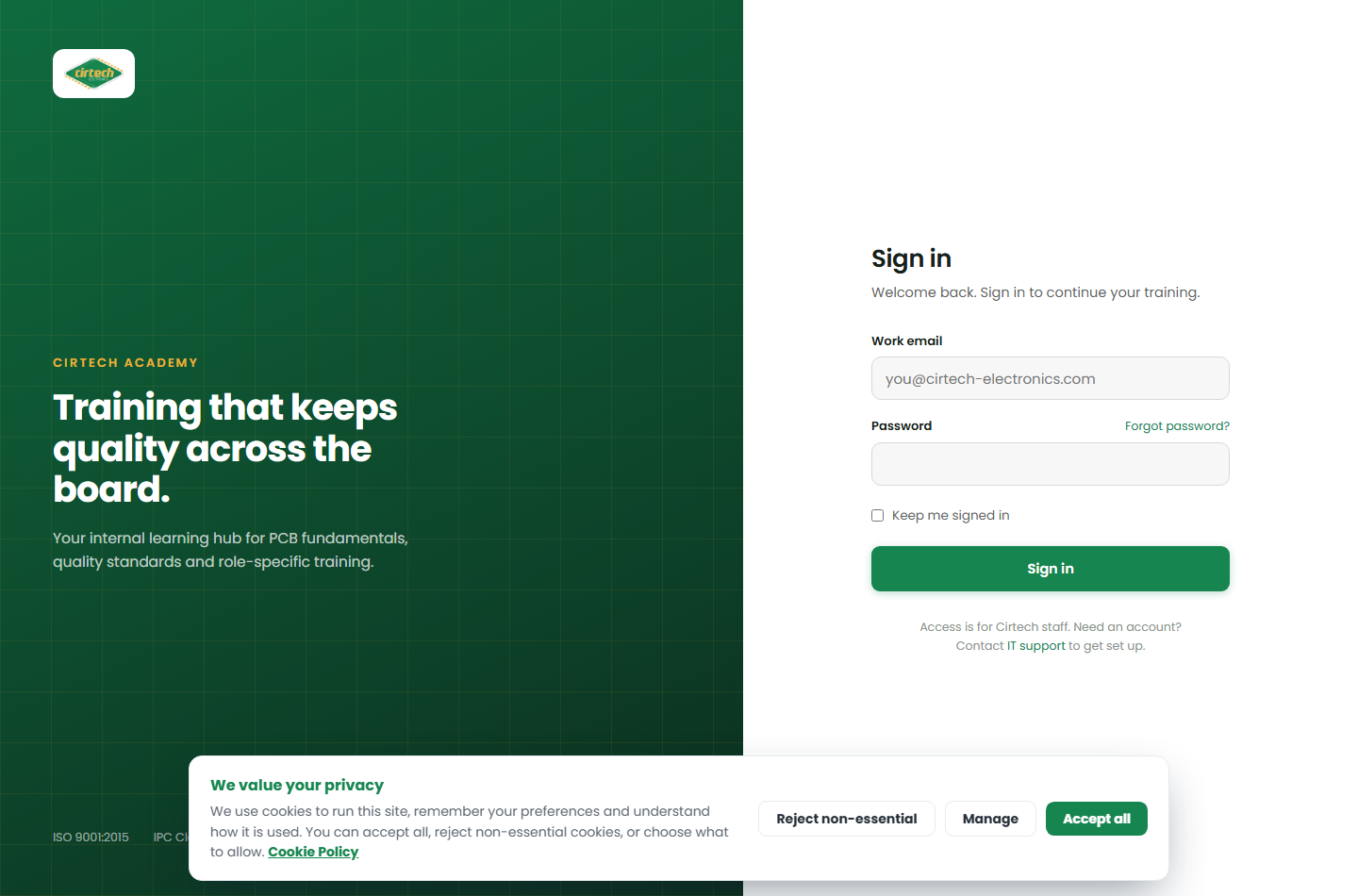
Signing in
Open the Academy from the link your manager or IT shares with you, and you will land on the sign-in page.
Sign in with your Cirtech work email and password. If you have not been given a password yet, ask your line manager or IT to set you up – your account may already exist with your name attached.
Once you are in, you stay signed in on that browser, so you will not need to log in every time.