Finding and enrolling in a course
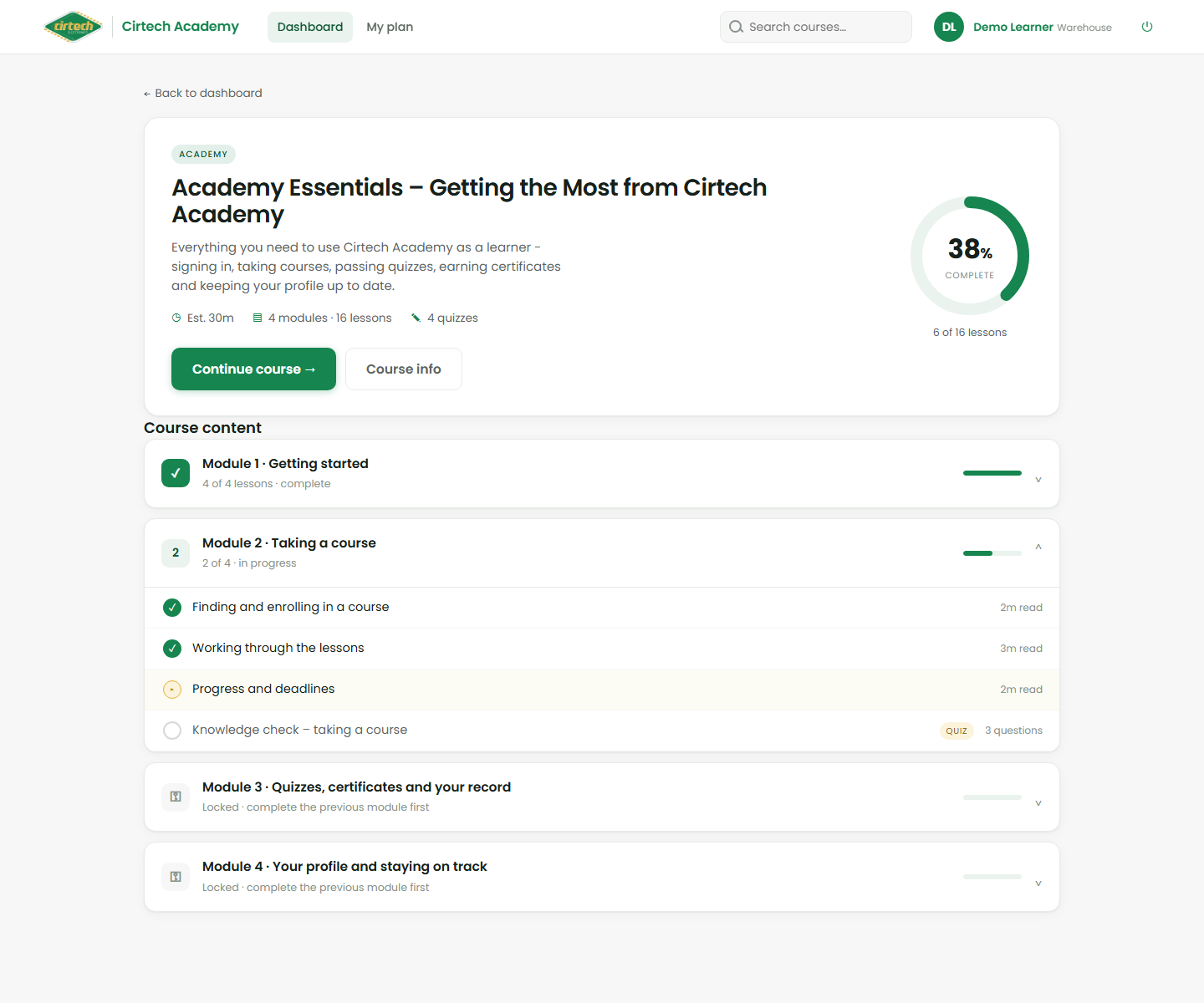
To start something new, browse the catalogue on your Dashboard or type a few letters into the search box. Click a course to open its overview.
The overview tells you what is inside – the modules, roughly how long it takes, and what you will be able to do afterwards. When you are ready, click Enrol (or Start course). It now appears under My courses and you can begin.