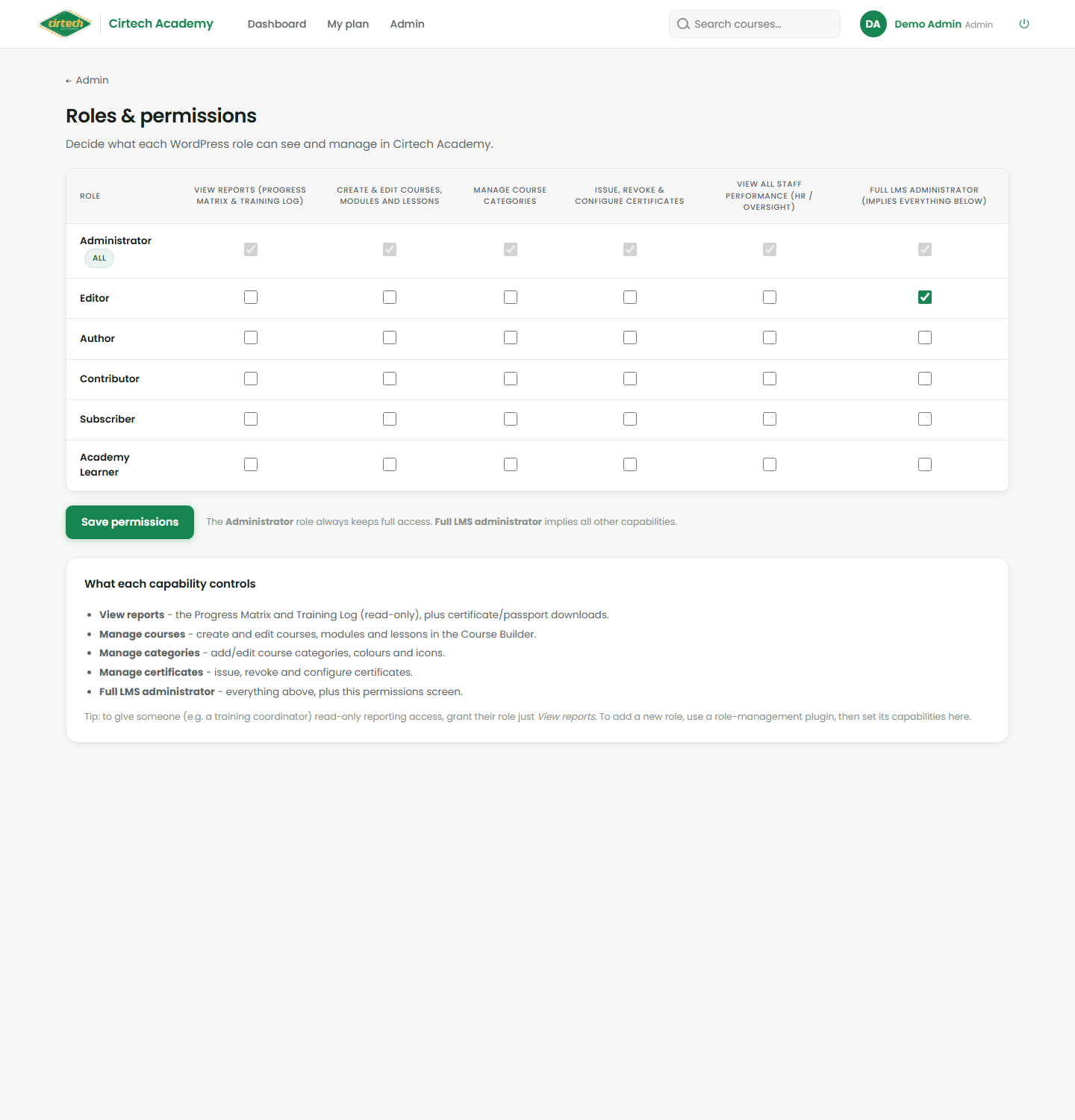
Roles and who sees what
The Roles & Permissions screen is a simple grid: for each role you tick which abilities they have – view reports, manage courses, manage categories, manage certificates, or full administrator.
This is how you give, for example, a training coordinator read-only reporting access without letting them edit courses. Administrators always keep full access, and the black WordPress toolbar and back end are reserved for full admins only.