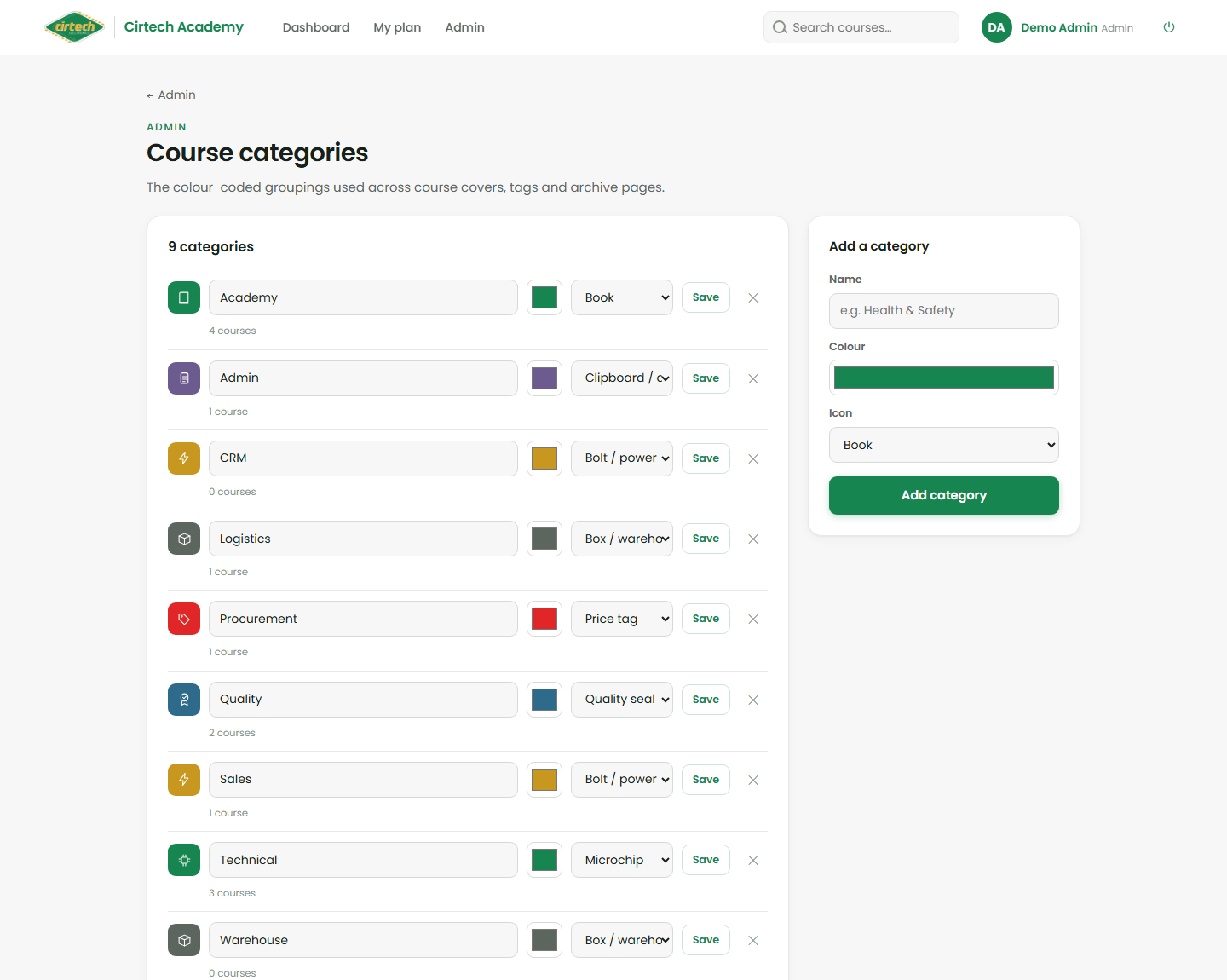
Managing categories
The Categories screen controls the colour-coded groupings learners see (Technical, Quality, Sales, Warehouse, Admin, or your own). For each category you set a name, a colour and an icon, and you can add or remove categories as the academy grows.
Good categories keep the catalogue tidy and help people find the training that is relevant to them.