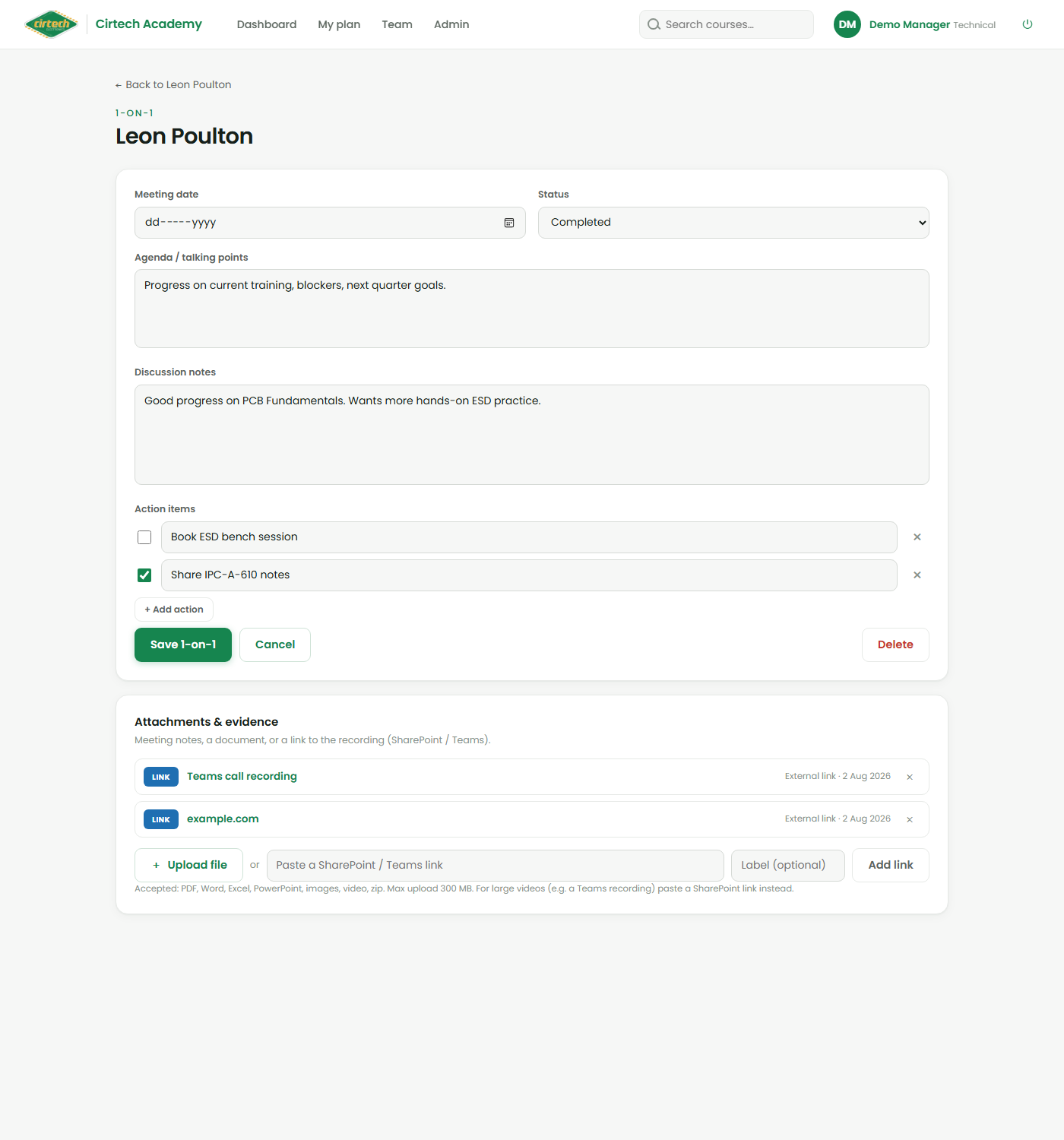
Running a coffee session
A coffee session is a logged, informal catch-up with a team member – the way we keep in touch at Cirtech. From their Staff 360, start a new one and capture a shared agenda, your discussion notes, and a list of action items you can tick off over time. Set it to Scheduled or Completed.
Every coffee session stays on record, so you build a history of what you discussed and what you agreed – the basis for a fair, data-backed conversation rather than a vague memory.
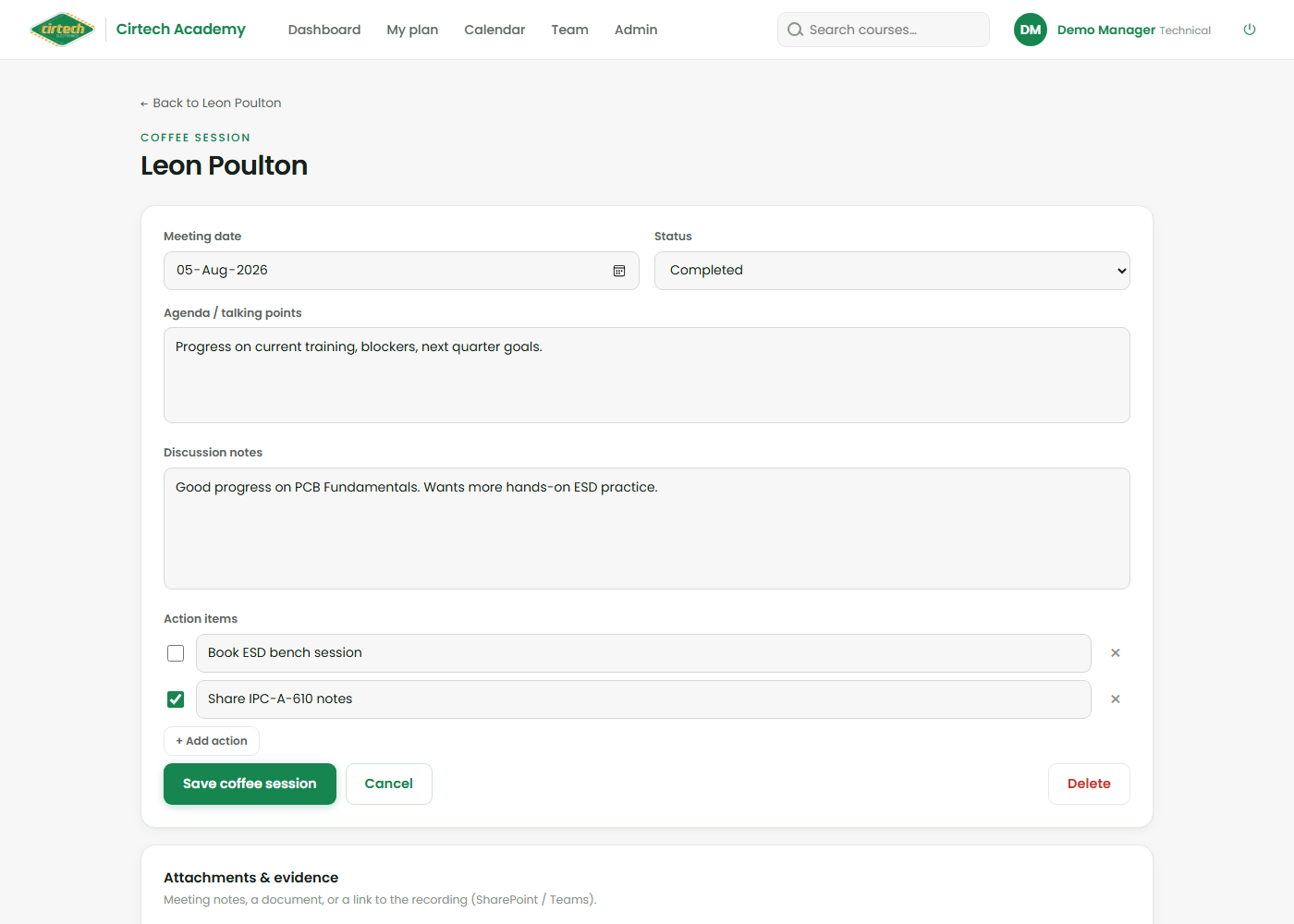
Need to keep a document or a recording with the session? Use the Attachments & evidence panel to upload a file, or paste a SharePoint / Teams link – handy for a recorded Teams catch-up. It takes PDFs, Office documents, images, video and more.