Your profile and photo
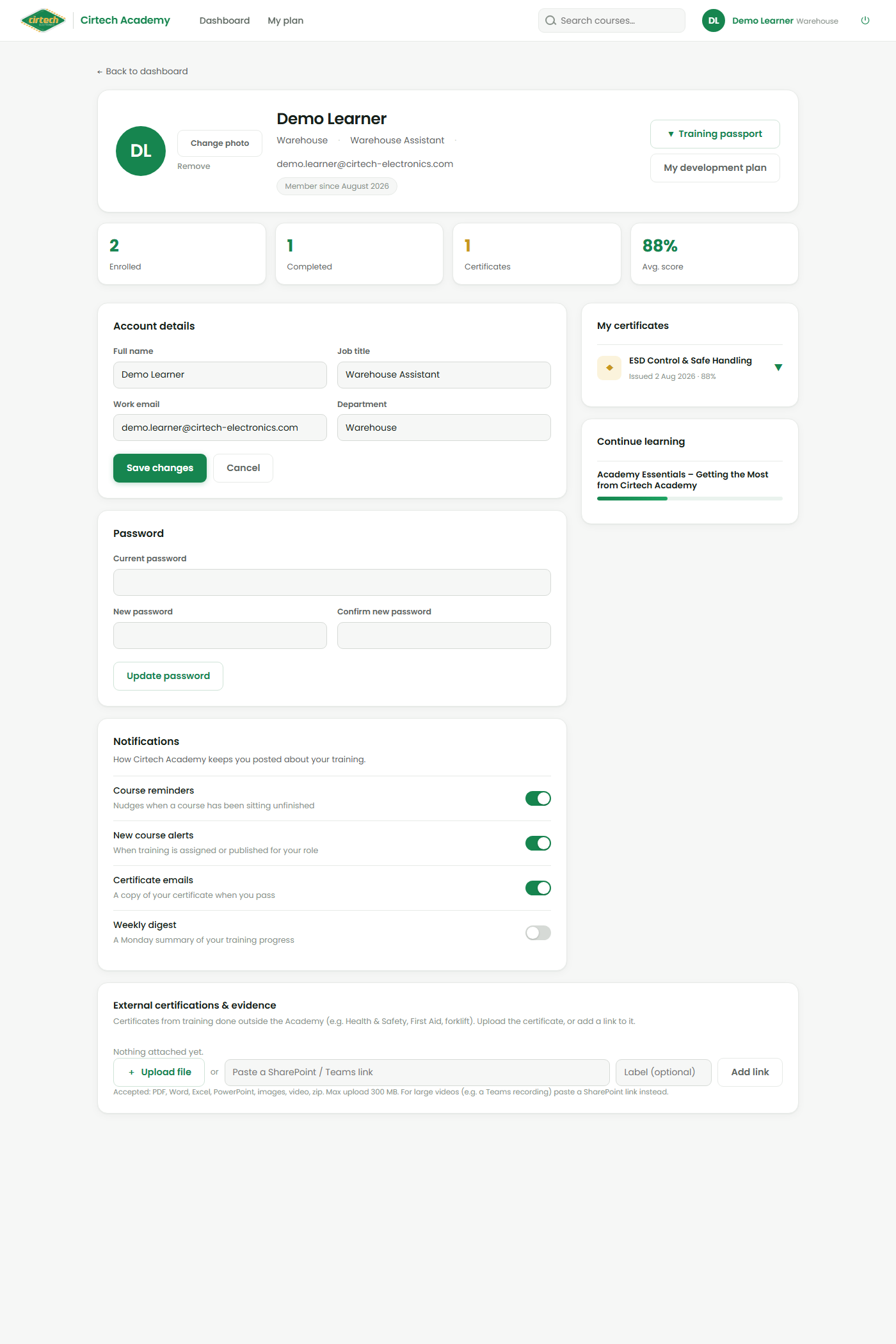
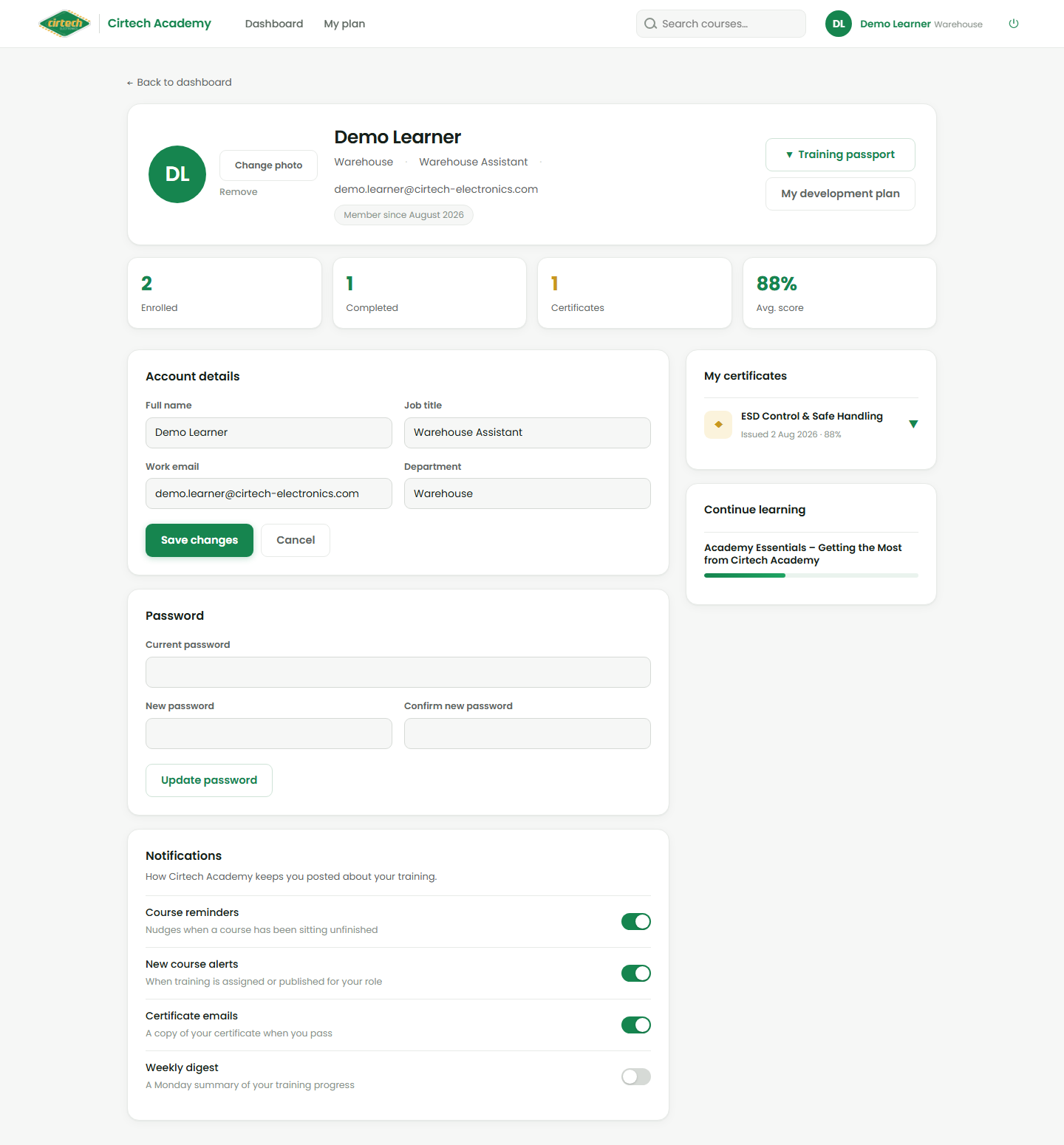
Open your profile from your name at the top-right. Here you can keep your details right – your name, job title, work email and department – and add a profile photo so your colleagues and managers recognise you.
You can also change your password on the same screen. Keeping your department up to date matters, because reports and your manager’s team view are grouped by it.
External certifications
Done training outside the Academy – a Health & Safety course, First Aid, a forklift licence? Scroll to External certifications & evidence at the bottom of your profile and upload the certificate, or paste a link to it, so it is on your record too.